Connect Claude
Recommended: Install via Plugin. The Plugin installs both the MCP connection and the agent skill in one step — no manual configuration needed.
Download the Plugin
⬇ Download Knowledge Raven Plugin (.zip)
The Plugin bundles two things:
- MCP connector — connects Claude to
mcp.knowledge-raven.com/mcp - Agent skill — teaches Claude how to use the 6 search tools efficiently (better results than MCP alone)
Coming soon: Knowledge Raven will also be available directly in the Claude Marketplace — no manual installation required.
Installation Methods
Plugin (Recommended)
Claude Desktop — Plugin (Recommended)
Requirements:
- Claude Desktop installed (download )
- A Knowledge Raven account (sign up free )
- The Plugin ZIP downloaded (see above)
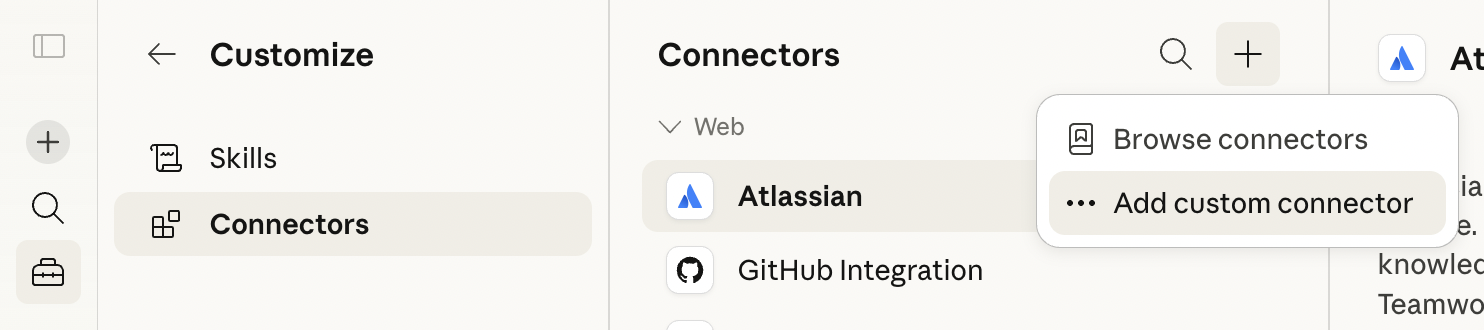
Open Customize
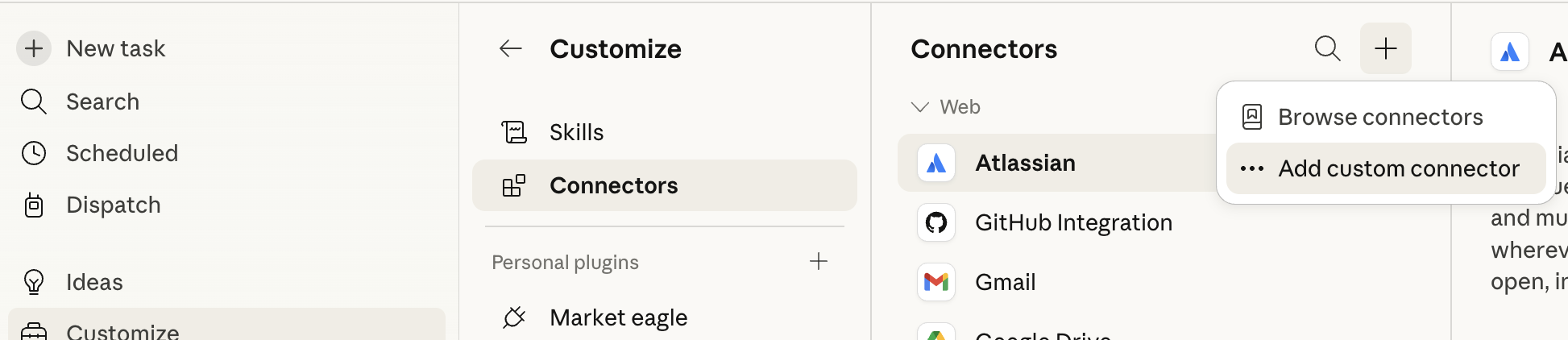
In Claude Desktop, click Customize in the left sidebar.
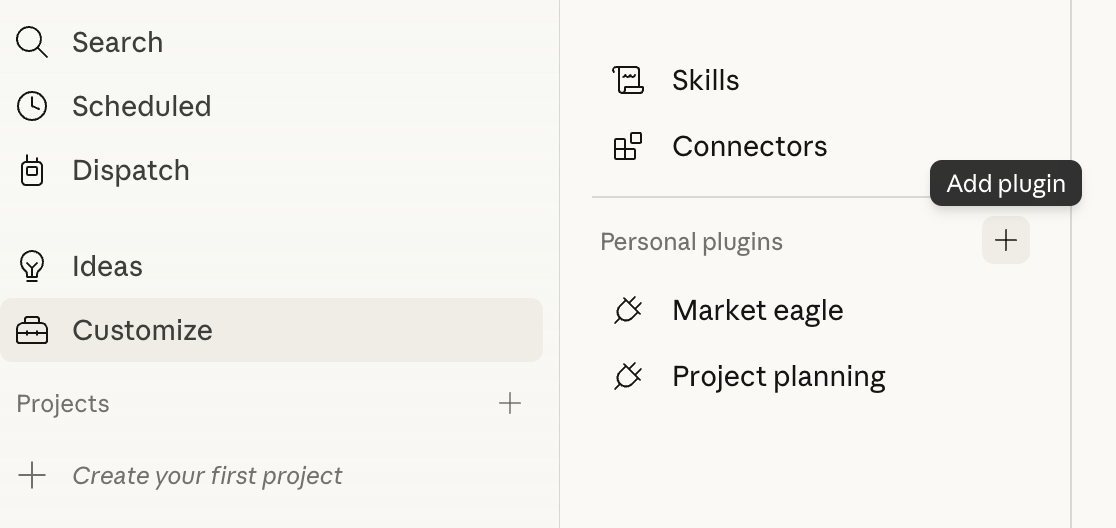
Add a plugin
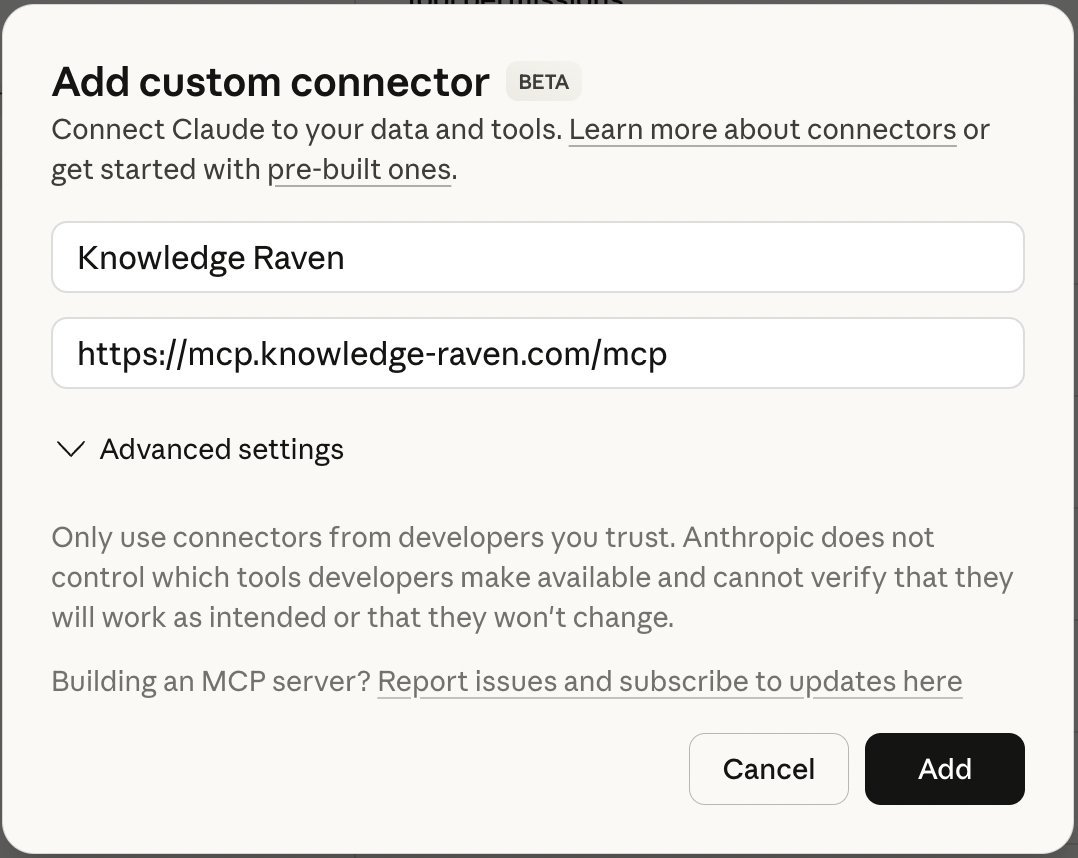
Next to Personal plugins, click the + button. A dropdown appears — select Upload plugin.
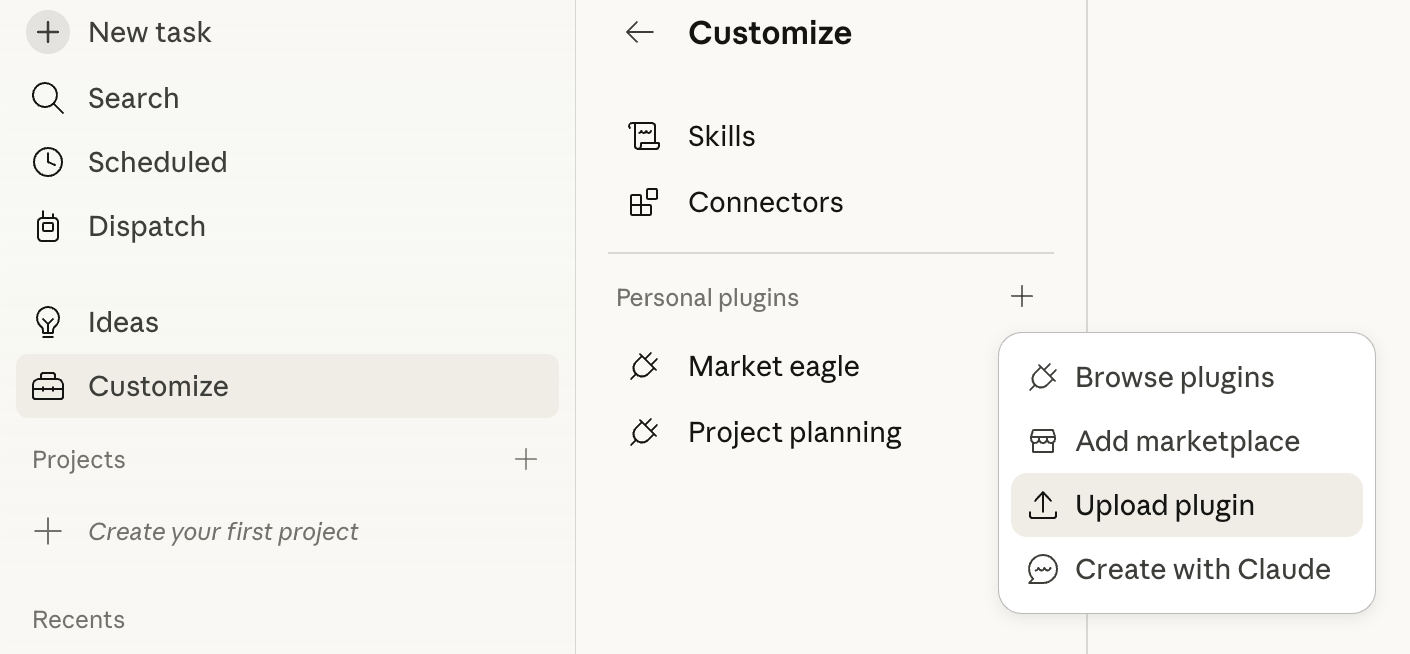
Upload the Plugin ZIP
The “Upload local plugin” dialog opens. Click Browse files and select the knowledge-raven-plugin.zip you downloaded.
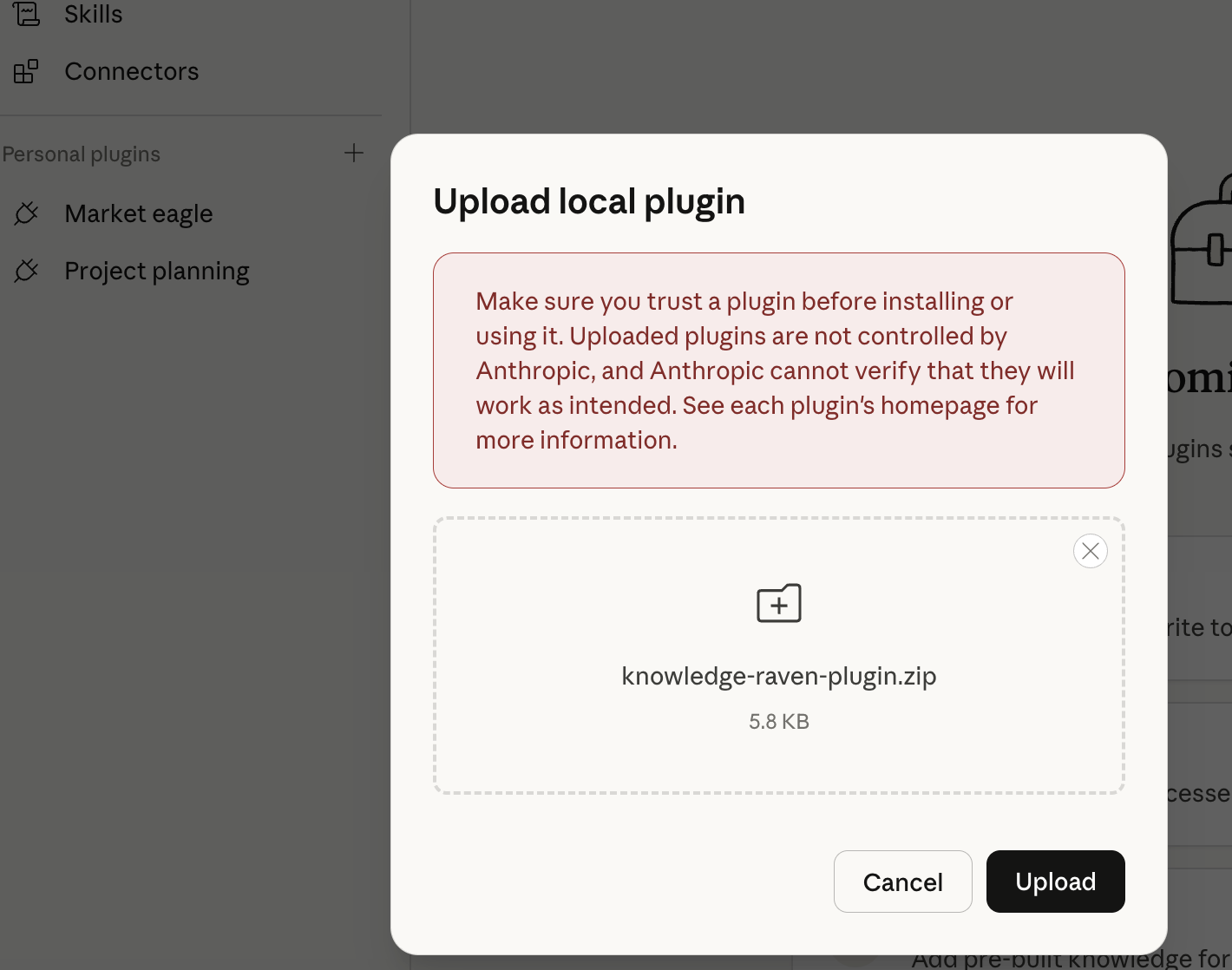
Click Upload.
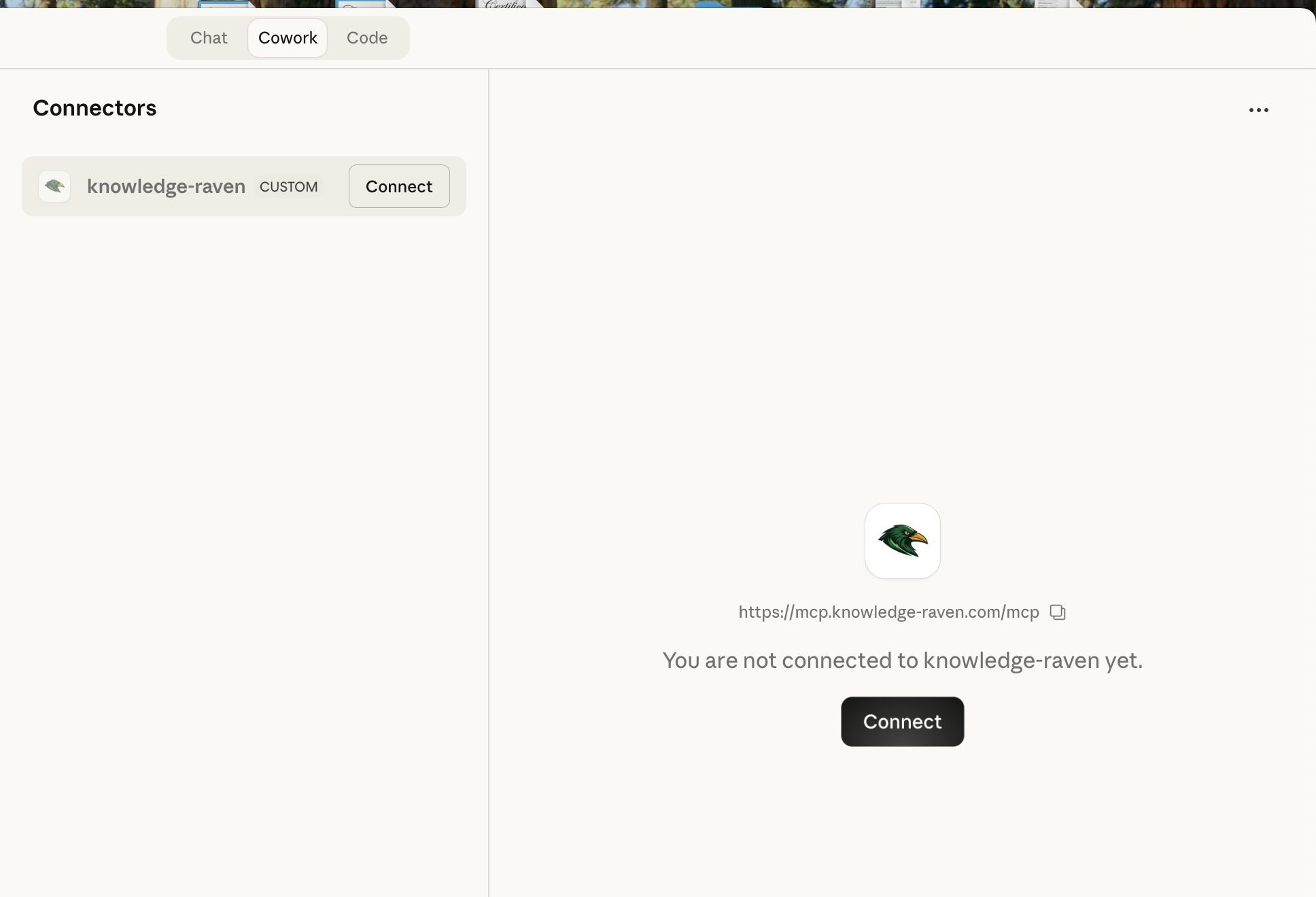
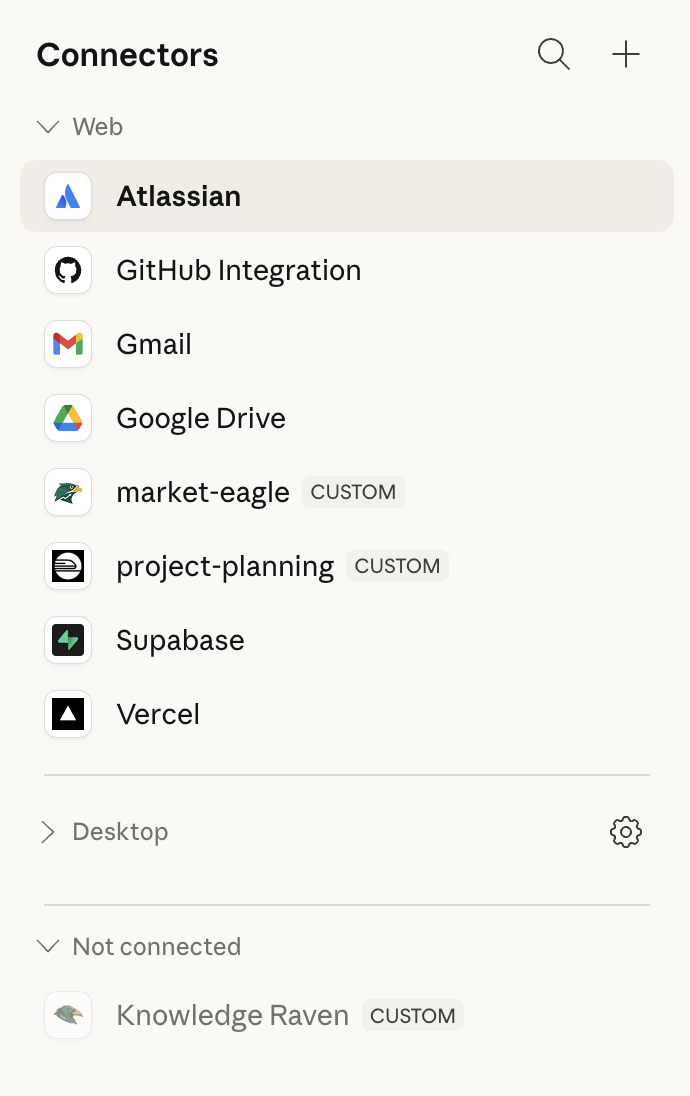
Open the Connectors tab
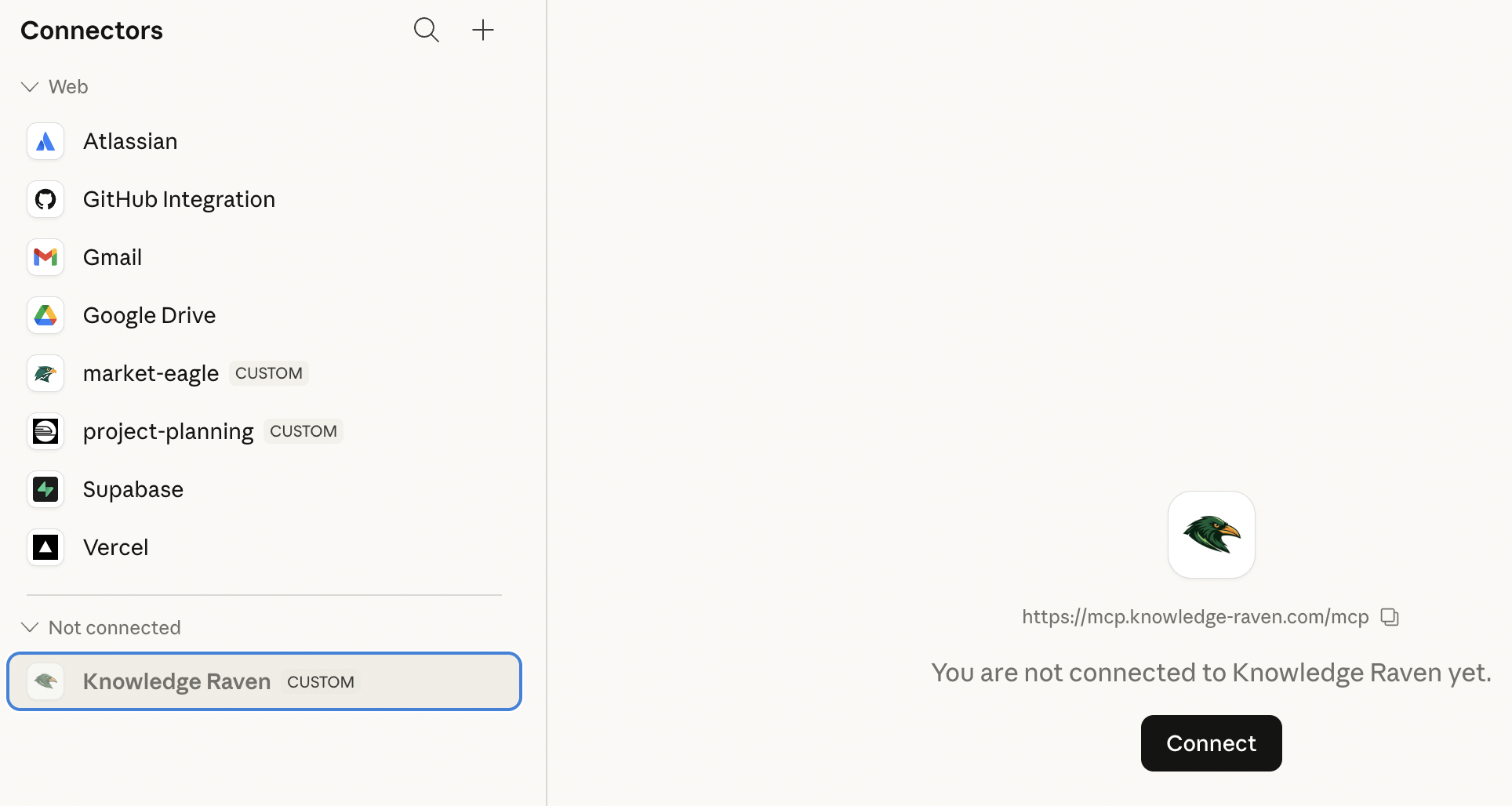
The Knowledge Raven plugin now appears in your Personal plugins list. Click on it, then switch to the Connectors tab.
Install and Connect
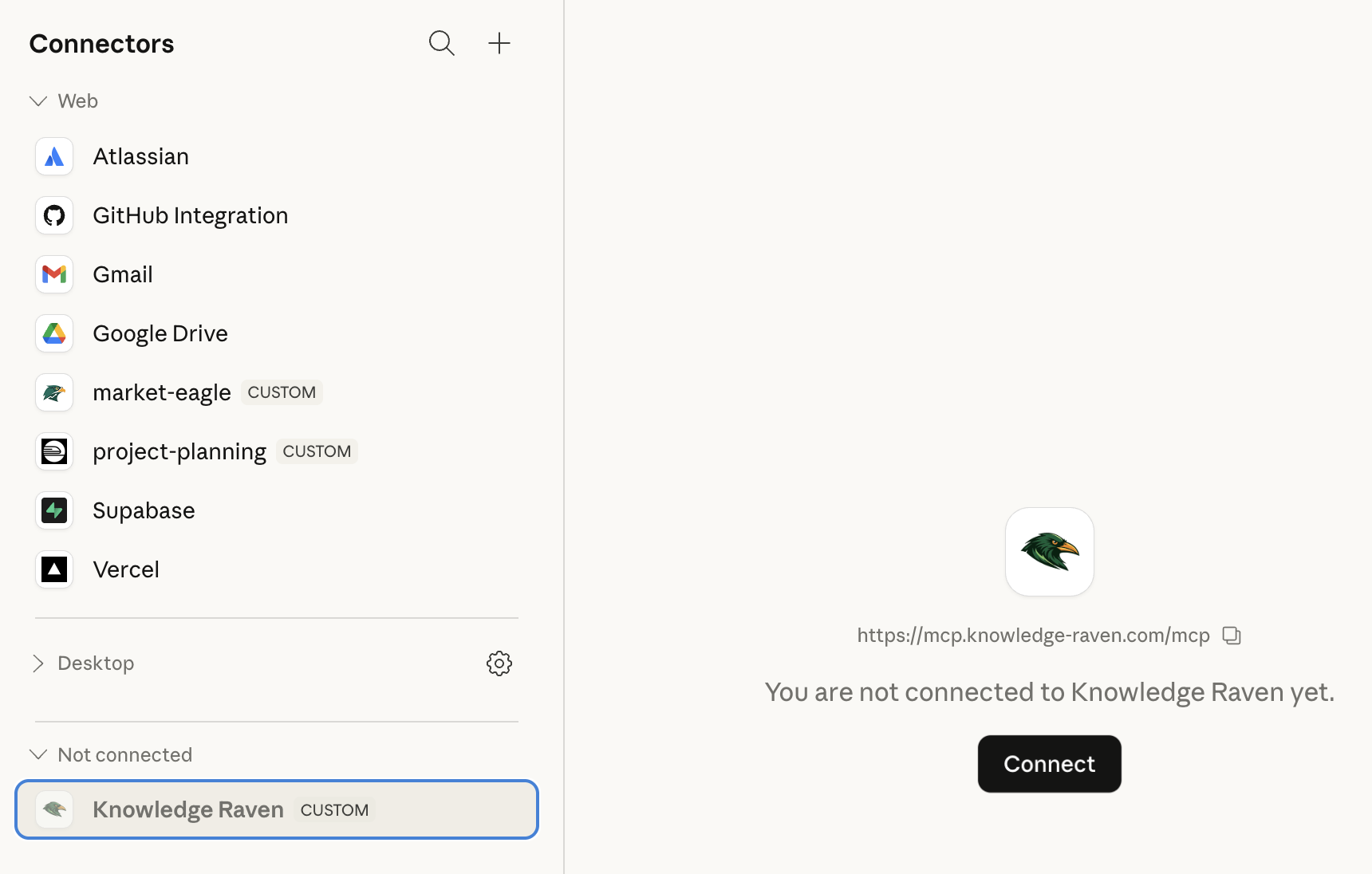
Click Install on the Knowledge Raven connector (first time only), then click Connect.
Authorize in the browser
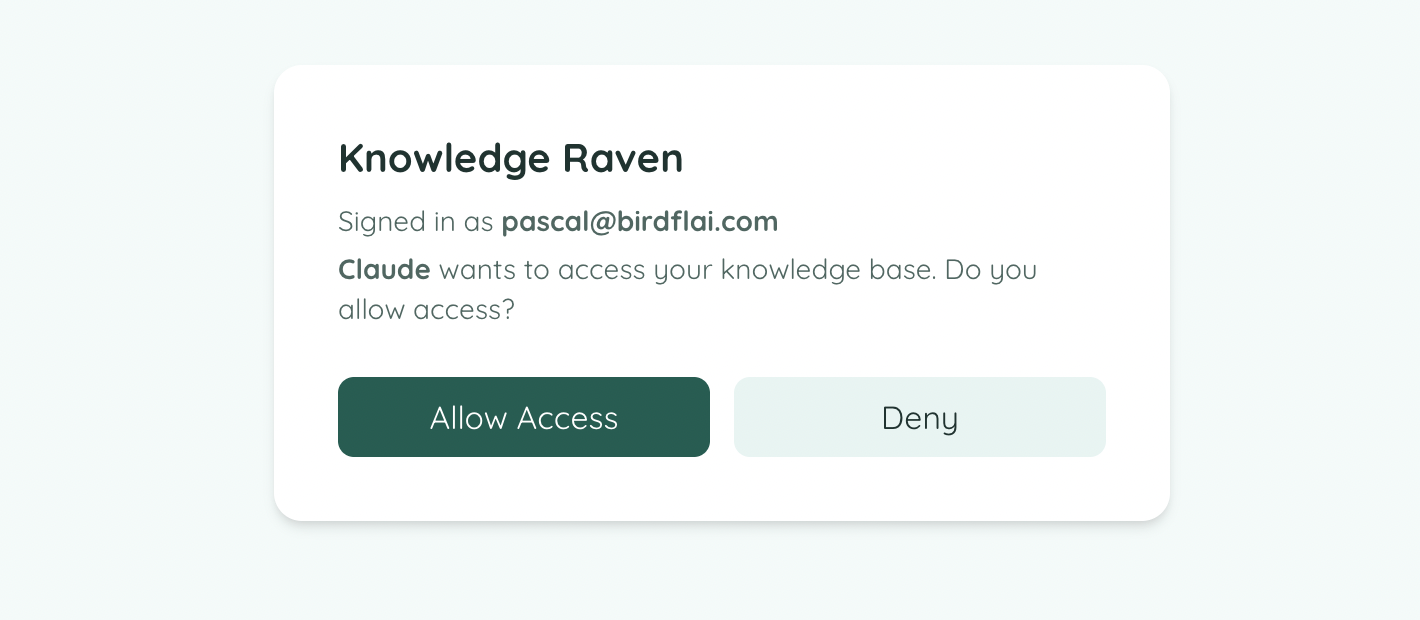
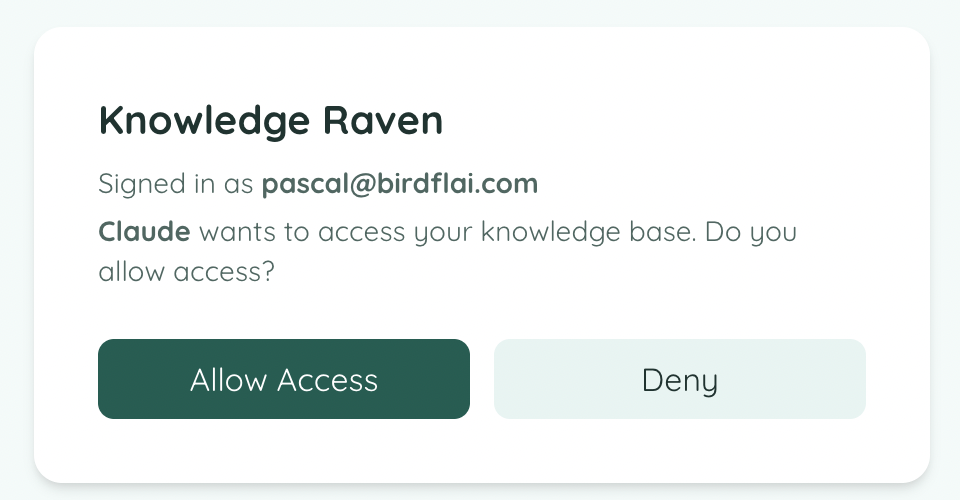
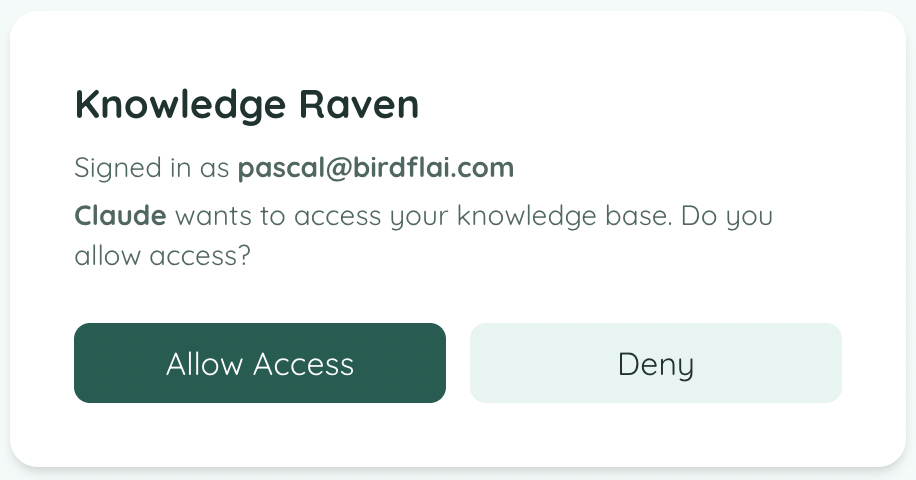
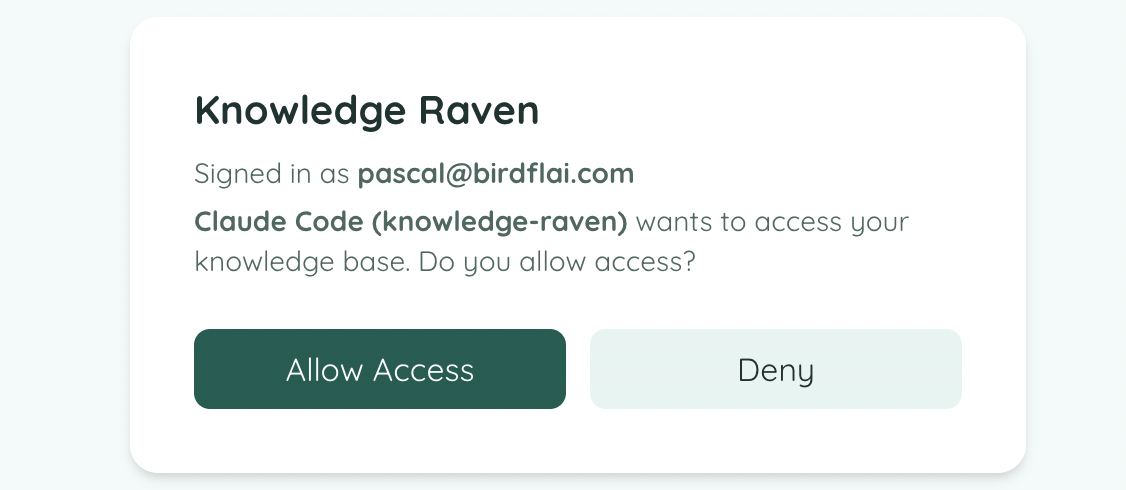
A browser window opens. If not already signed in, log in to your Knowledge Raven account. Then click Allow Access.
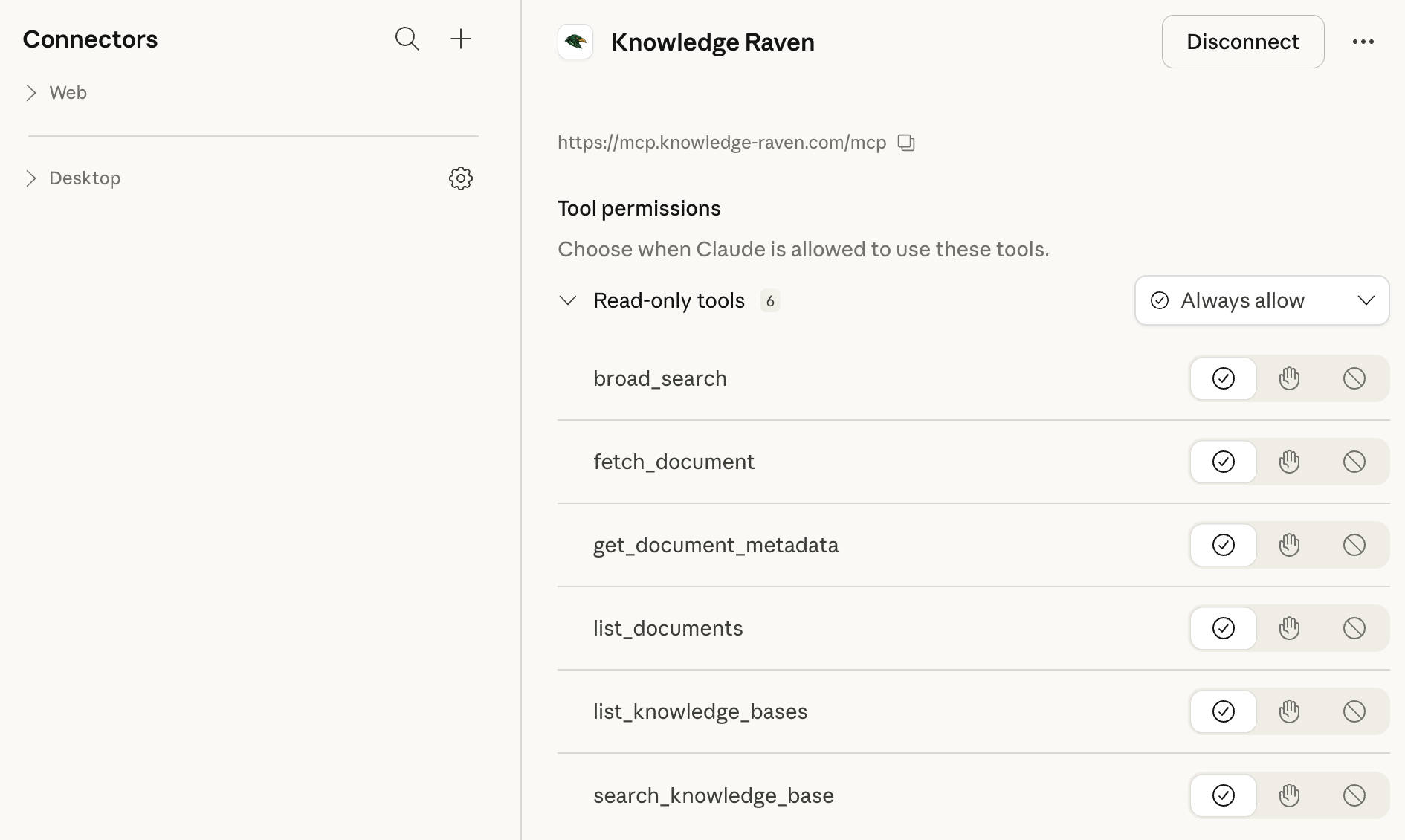
Done — you’re connected
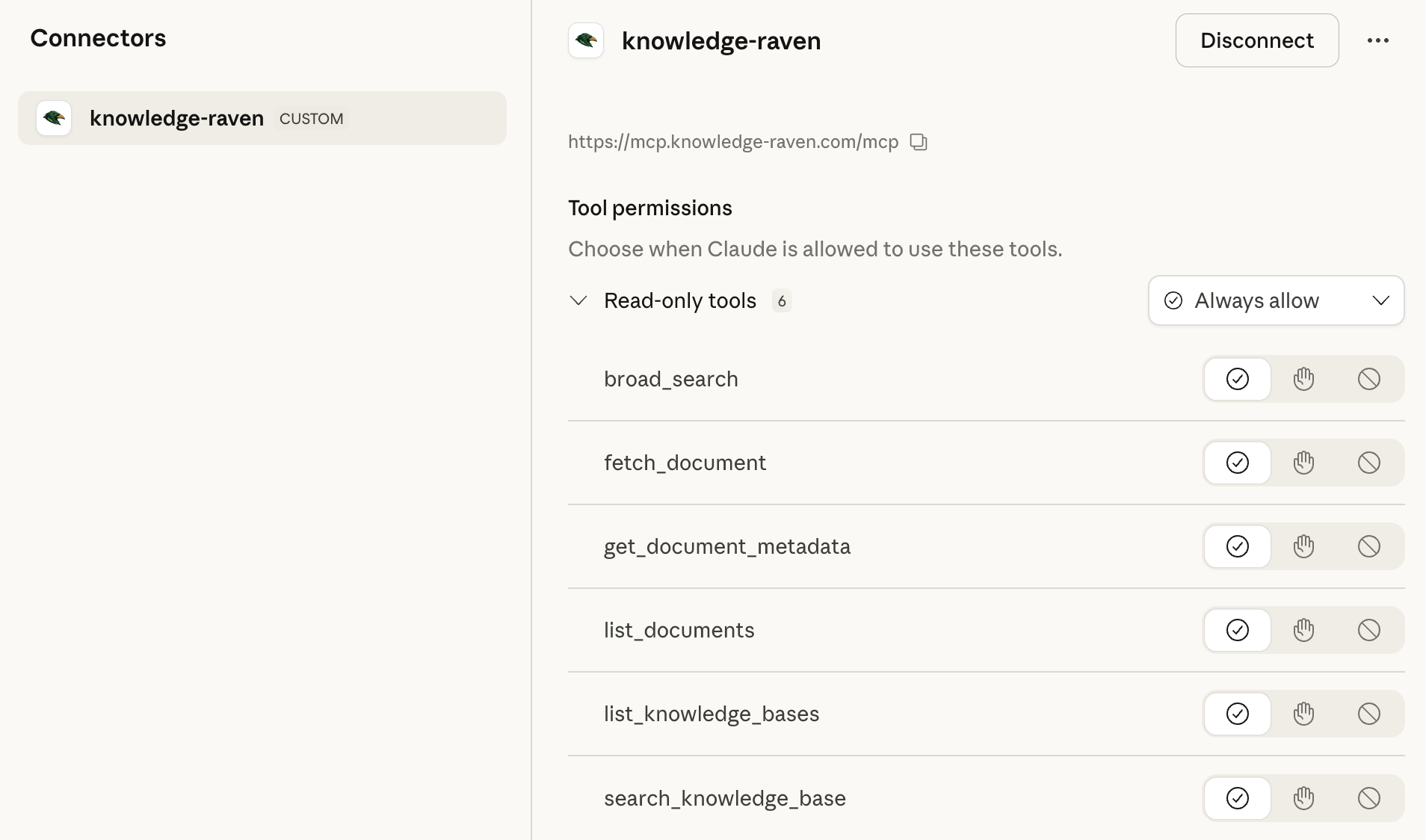
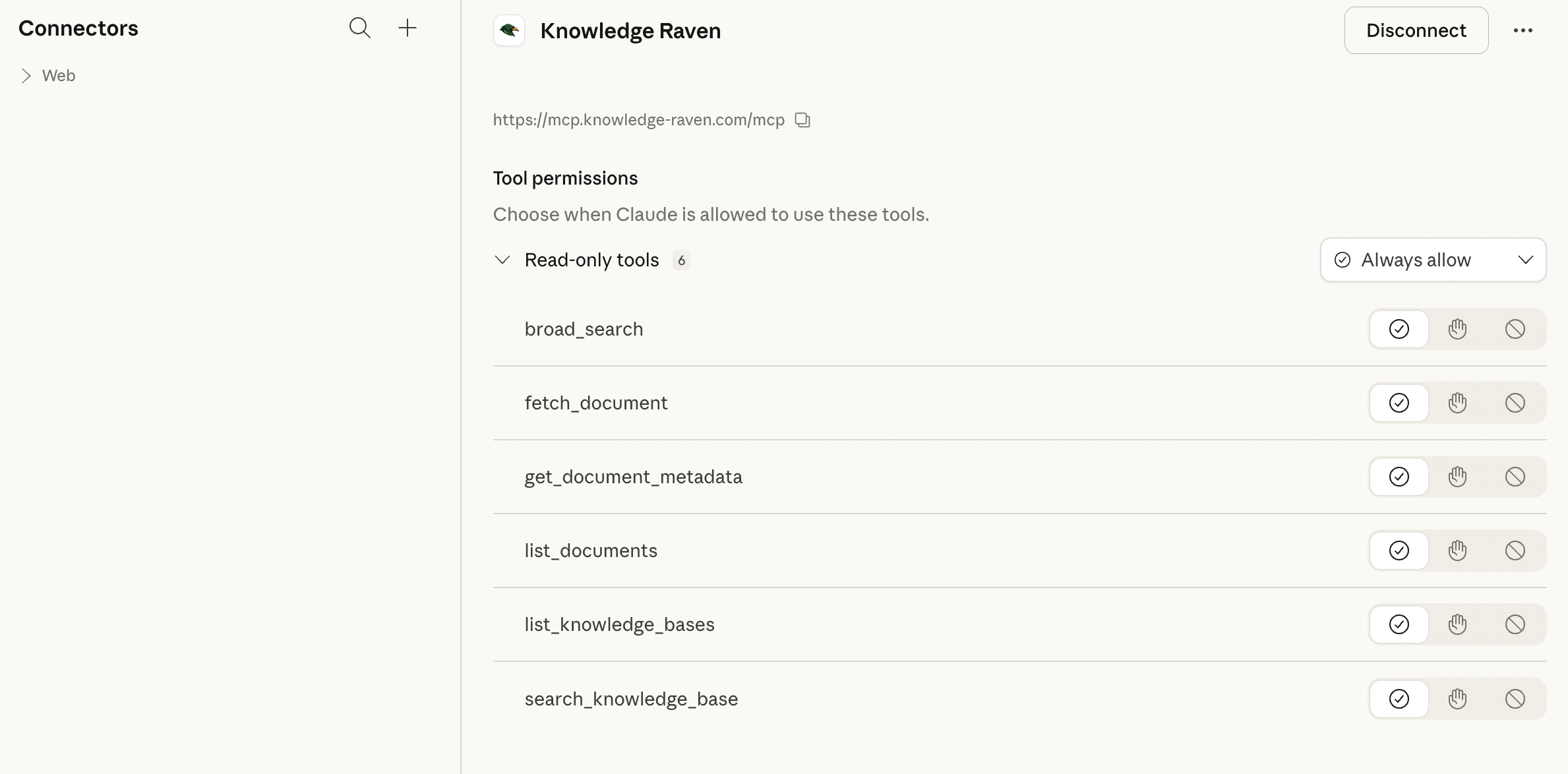
Claude Desktop shows “Connected to knowledge-raven.” All 6 tools are now available.
You can now use Knowledge Raven directly in any Claude conversation:
“Search my knowledge base for our onboarding process.”

Need help? → Troubleshooting