GitHub Connector
Sync documentation and code files from your GitHub repositories into Knowledge Raven. All synced content is immediately searchable by your AI agent.
What Gets Synced
Knowledge Raven indexes text-based files from your repositories:
- Documentation:
.md,.mdx,.rst,.txt - Code:
.py,.js,.ts,.go,.java,.rs,.rb,.php,.cs,.swift, and 40+ other languages - Config:
.yaml,.yml,.json,.toml,.ini,.tf,.hcl - Scripts:
.sh,.bash,.zsh,.ps1 - Special files:
Dockerfile,Makefile,README,LICENSE,CHANGELOG,.gitignore, etc.
Binary files, images, and files larger than 50 MB are skipped automatically.
How to Connect
Activate the Connector
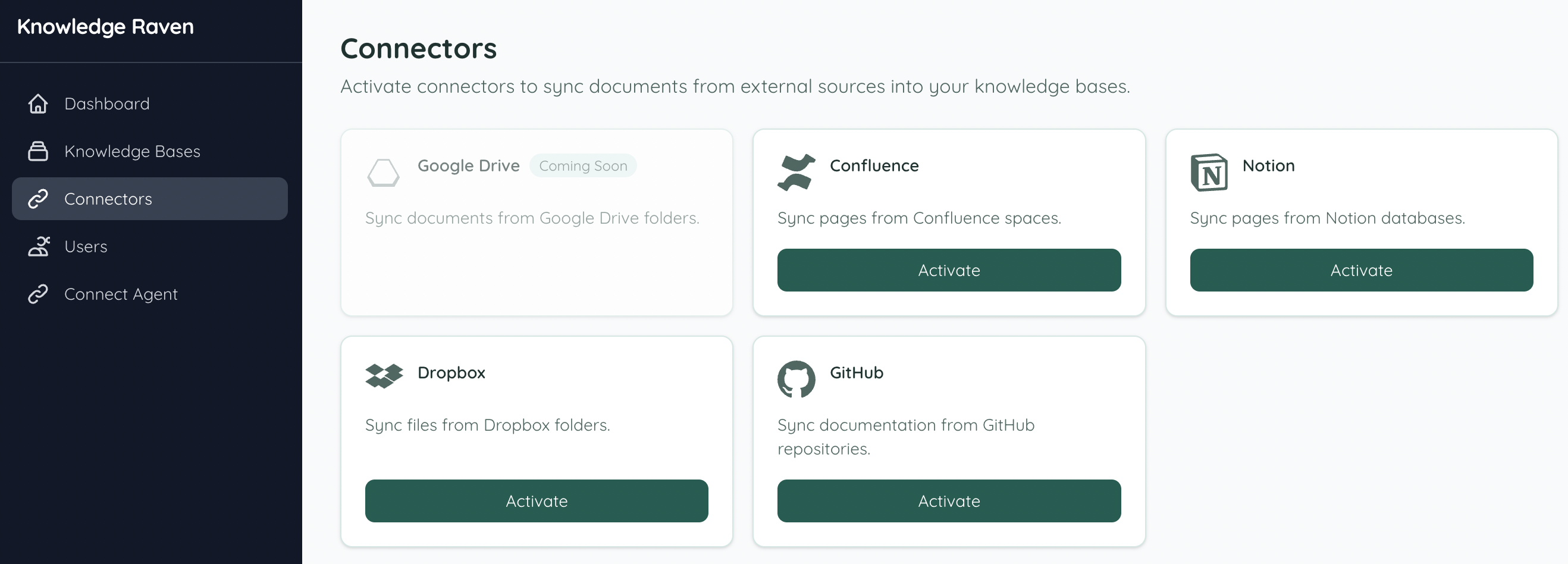
In your Knowledge Raven Dashboard, click Connectors in the sidebar. Find GitHub and click Activate.
Connect from your Knowledge Base
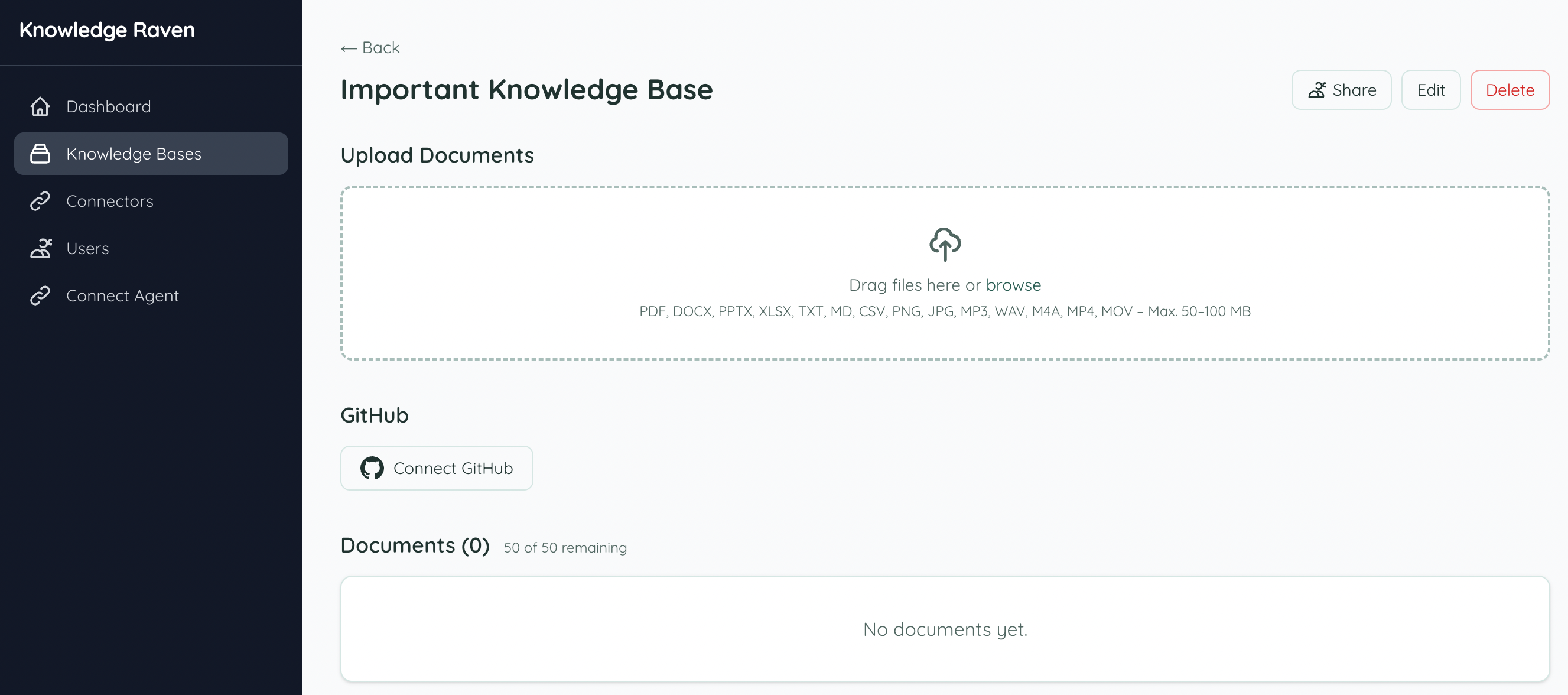
Open the Knowledge Base you want to sync into. You’ll see a Connect GitHub button — click it to start the connection. You are redirected to GitHub’s OAuth page where you authorize Knowledge Raven with read access to your repositories.
Select Content
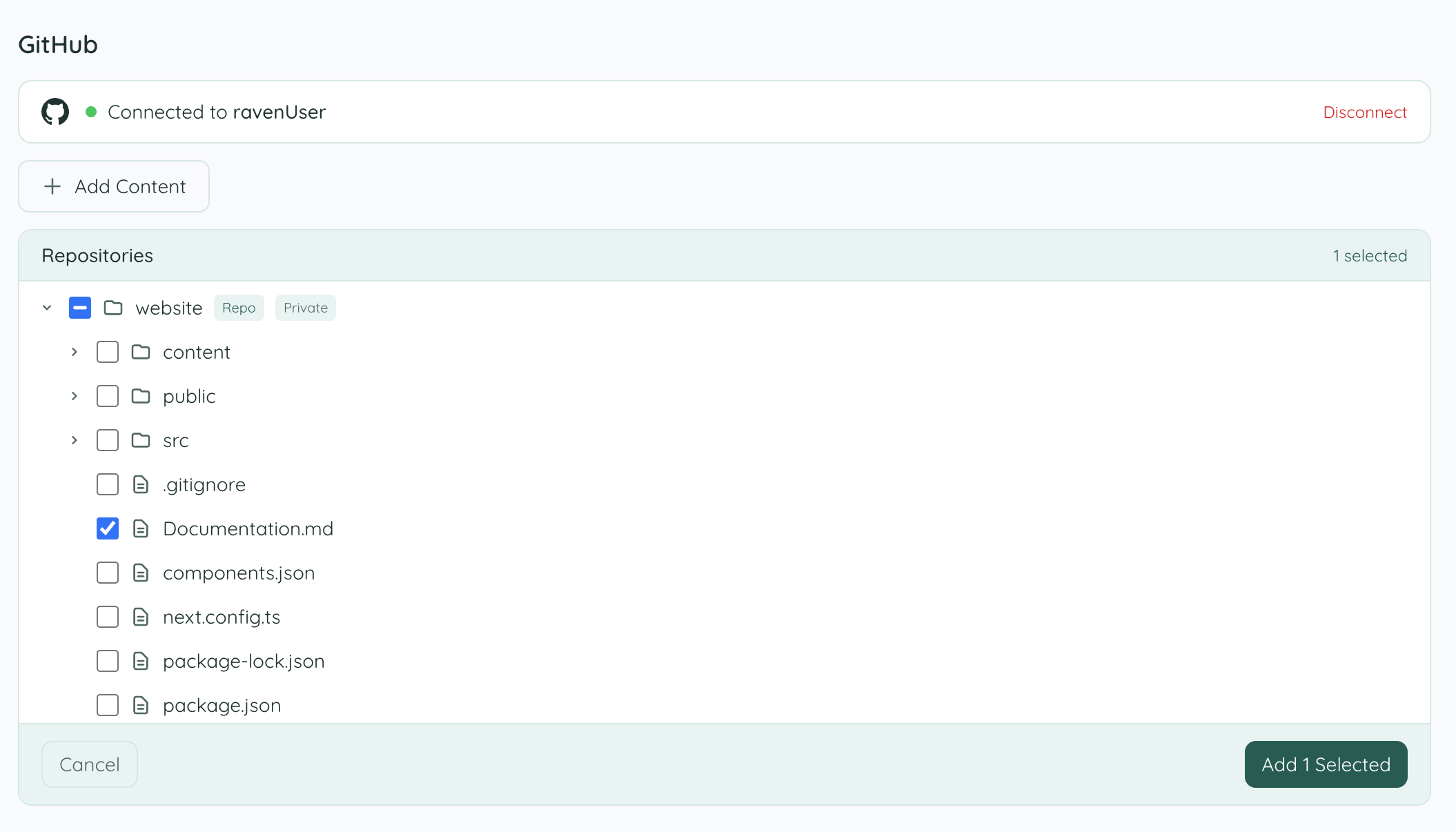
After authorization, Knowledge Raven lists your accessible repositories. Expand the file tree to browse folders and select individual files or entire repositories, then click Add Selected.
Sync your content
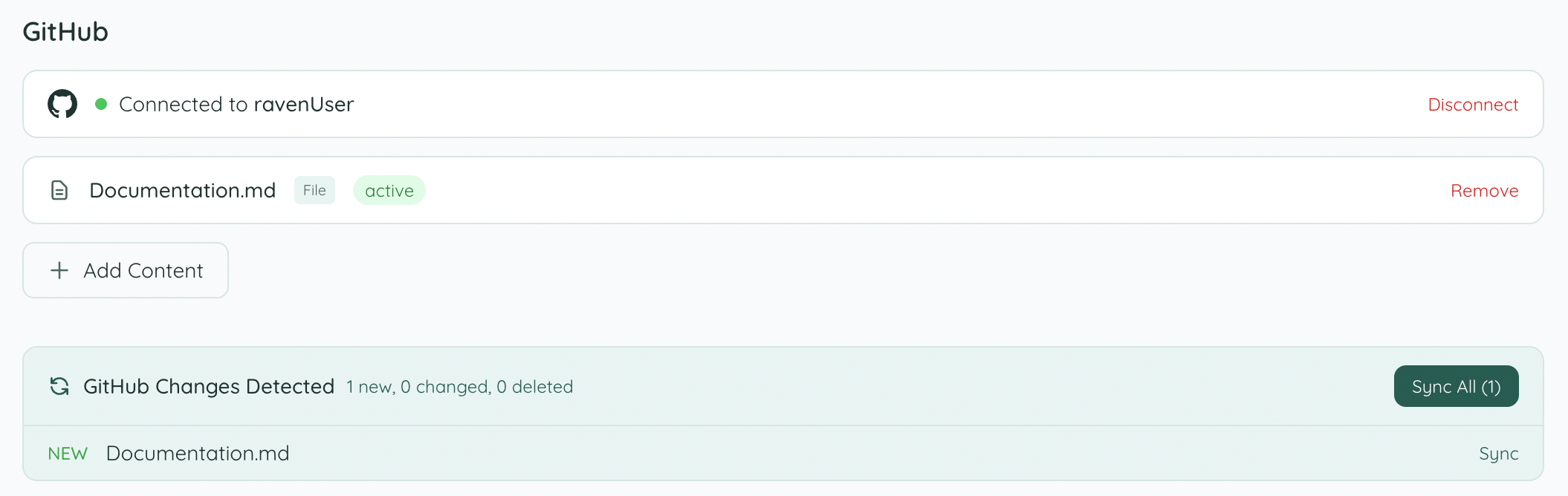
Knowledge Raven detects all new content. Click Sync All to index everything — or sync individual files using the Sync button next to each one.
Large repositories may take a few minutes depending on the number of files.
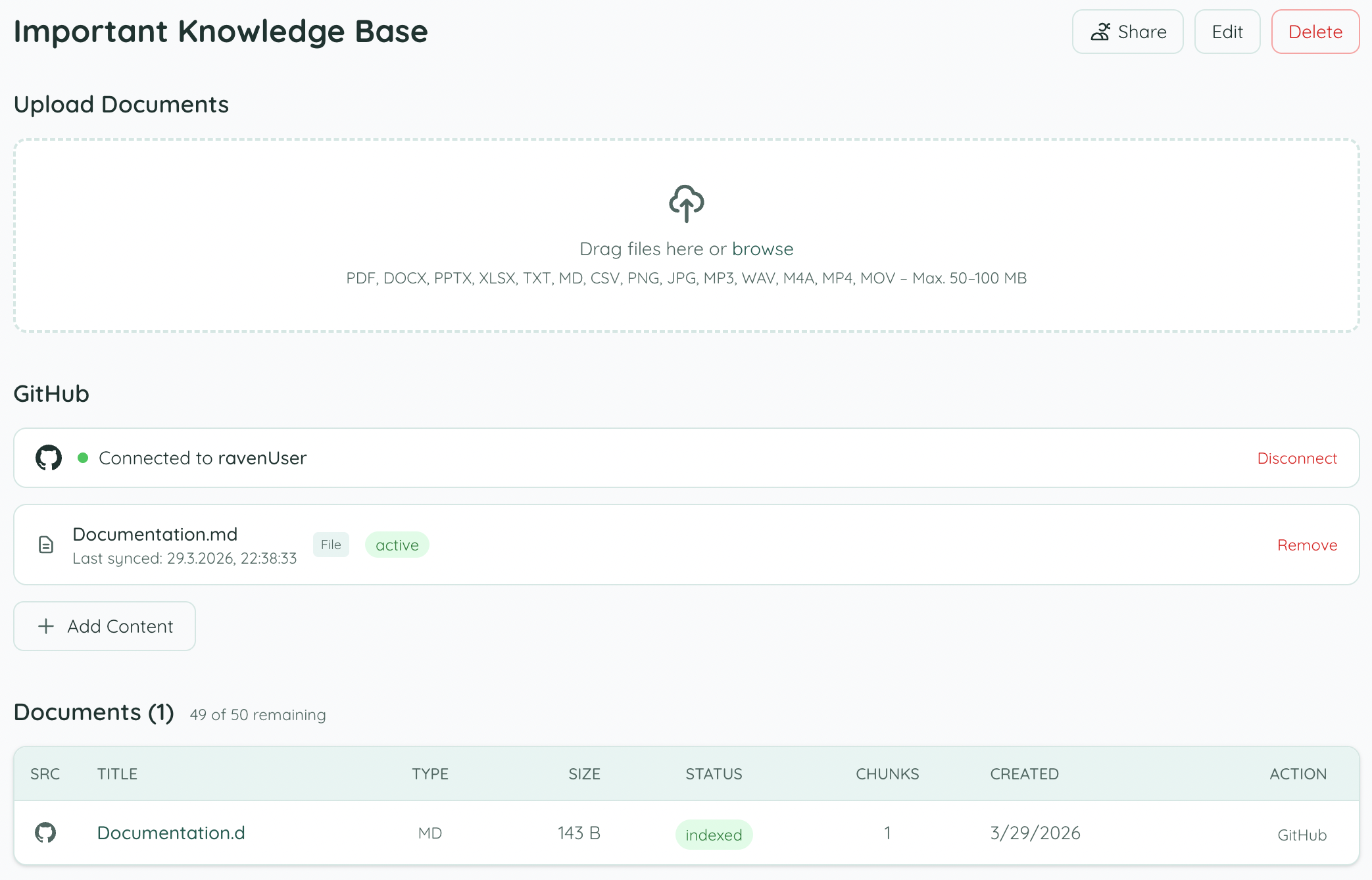
Done — content is indexed
Once syncing is complete, all files appear in the Documents list with status indexed and are immediately searchable by your AI agent.
Change Detection
GitHub uses SHA-based change detection — Knowledge Raven stores the Git SHA (content hash) for each file and only re-indexes files whose SHA has changed. This is more reliable than timestamp-based detection.
Token Handling
GitHub OAuth App tokens are long-lived — they don’t expire unless revoked. No refresh tokens are needed.
Source Deep-Linking
When your agent cites a file from GitHub, the source_link points to the file on GitHub (e.g., github.com/org/repo/blob/main/docs/guide.md), so you can open it directly with one click.
Troubleshooting
“Authorization failed” — Make sure you authorized with an account that has access to the repository, and that the repo scope was granted.
Private repositories not showing — Ensure your GitHub account has access to the repository and that you granted the repo scope during authorization.
Large files skipped — Files over 50 MB are skipped to prevent memory issues. This is expected behavior for large data dumps or binary assets.