Confluence Connector
Sync pages from your Atlassian Confluence spaces into Knowledge Raven. All synced content is immediately searchable by your AI agent.
What Gets Synced
- Confluence pages (page body content, converted to plain text)
- Page titles are indexed as searchable metadata
- Space names are preserved for filtering
- Attachments are not synced in the current version
How to Connect
Activate the Connector
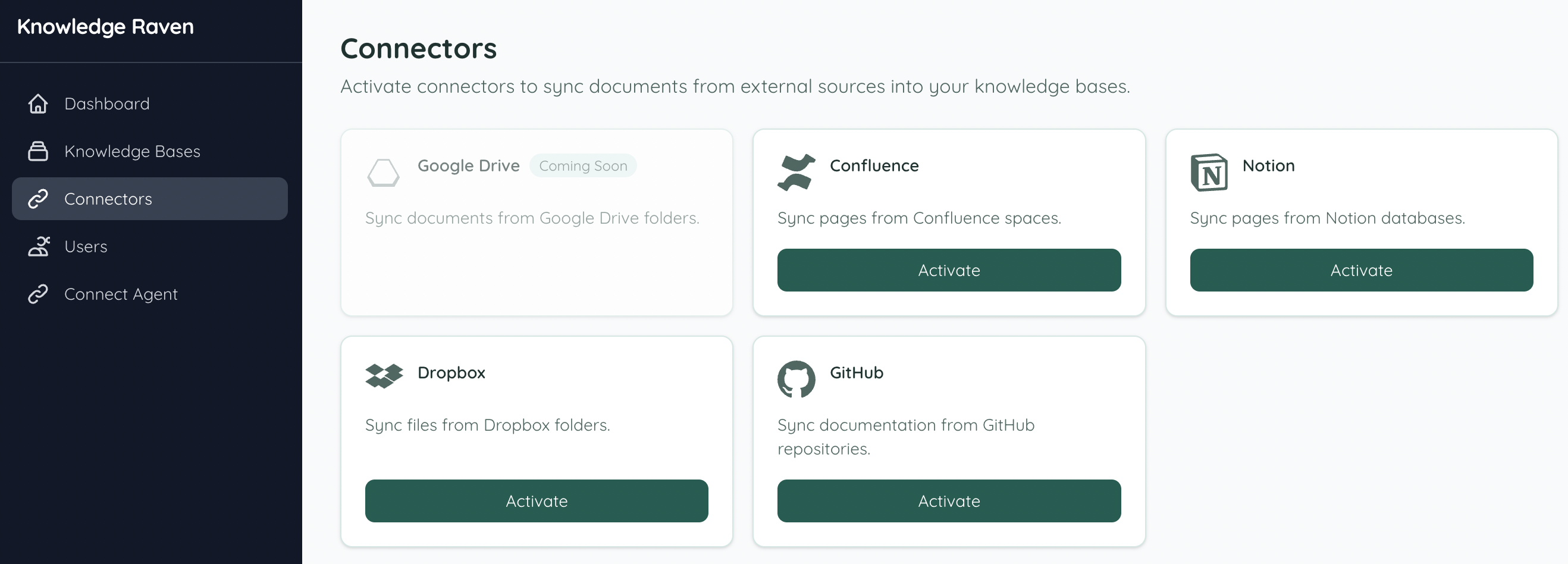
In your Knowledge Raven Dashboard, click Connectors in the sidebar. Find Confluence and click Activate.
Connect from your Knowledge Base
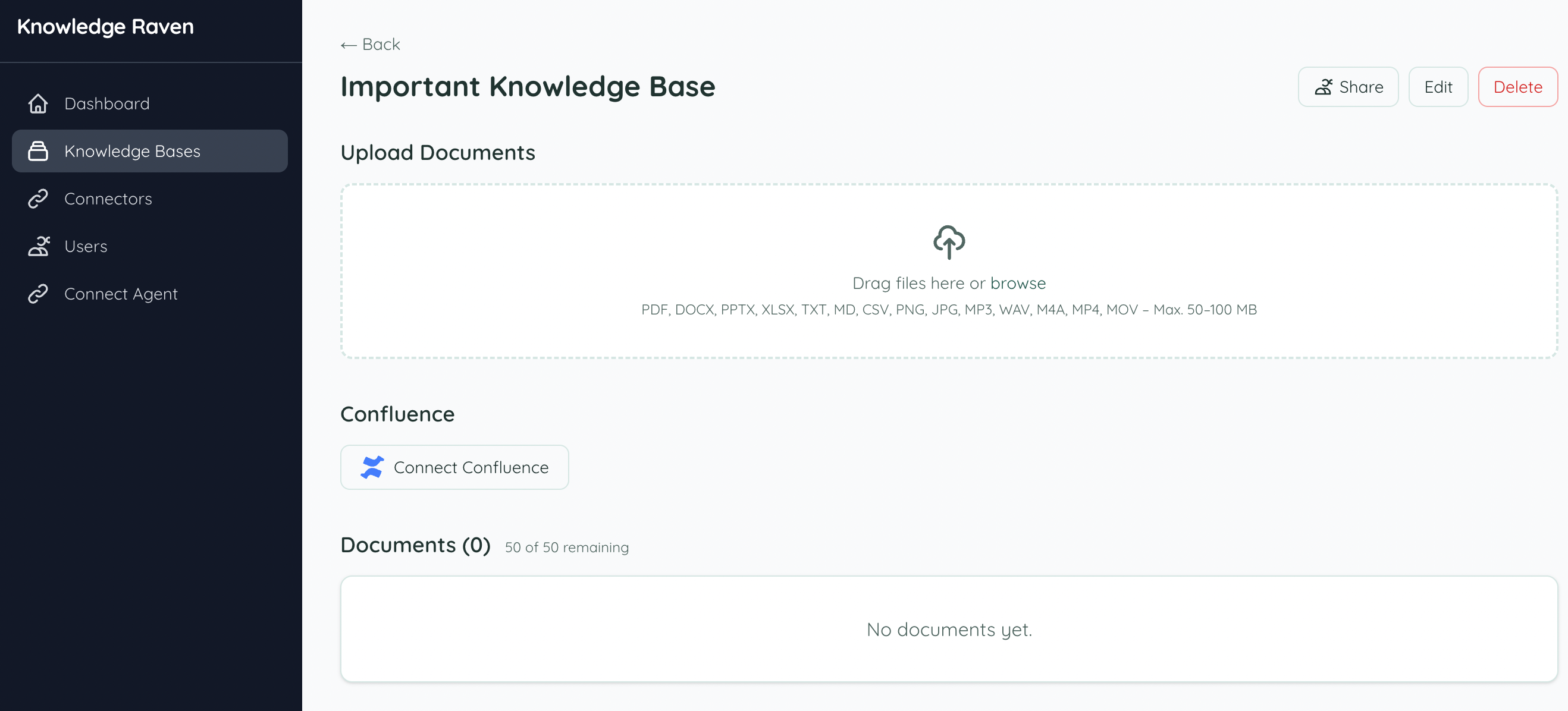
Open the Knowledge Base you want to sync into. You’ll see a Connect Confluence button — click it to start the connection.
Authorize with Atlassian
You are redirected to Atlassian’s OAuth page. Sign in with your Atlassian account and grant Knowledge Raven access.

Select a Space
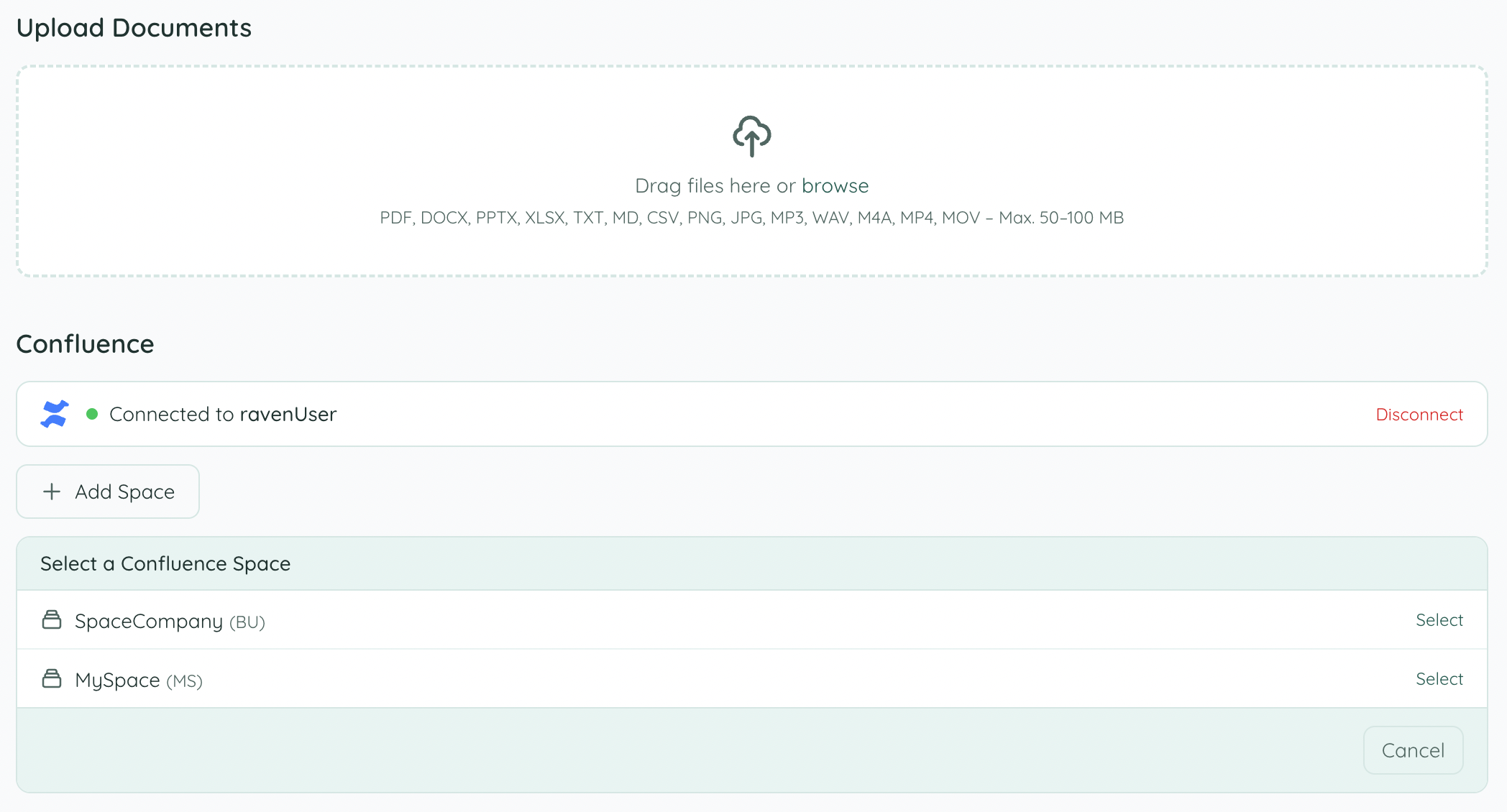
After authorization, Knowledge Raven shows all Confluence spaces accessible with your account. Click Select next to the space you want to sync.
Sync your content
Knowledge Raven detects all pages in the selected space. Click Sync All to index everything — or sync individual pages using the Sync button next to each one.
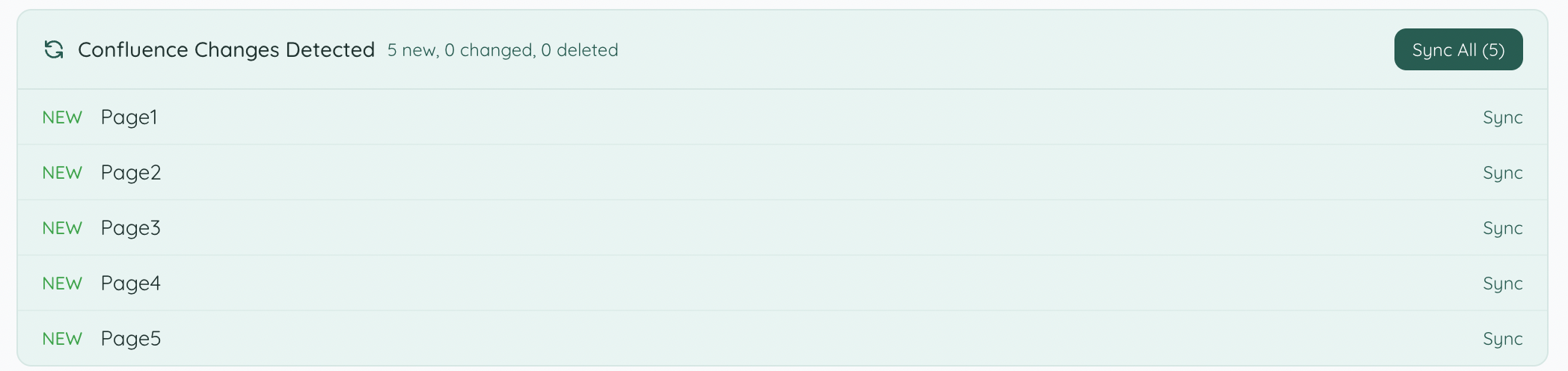
Knowledge Raven extracts the page content, generates embeddings, and makes everything searchable. Large spaces may take a few minutes.
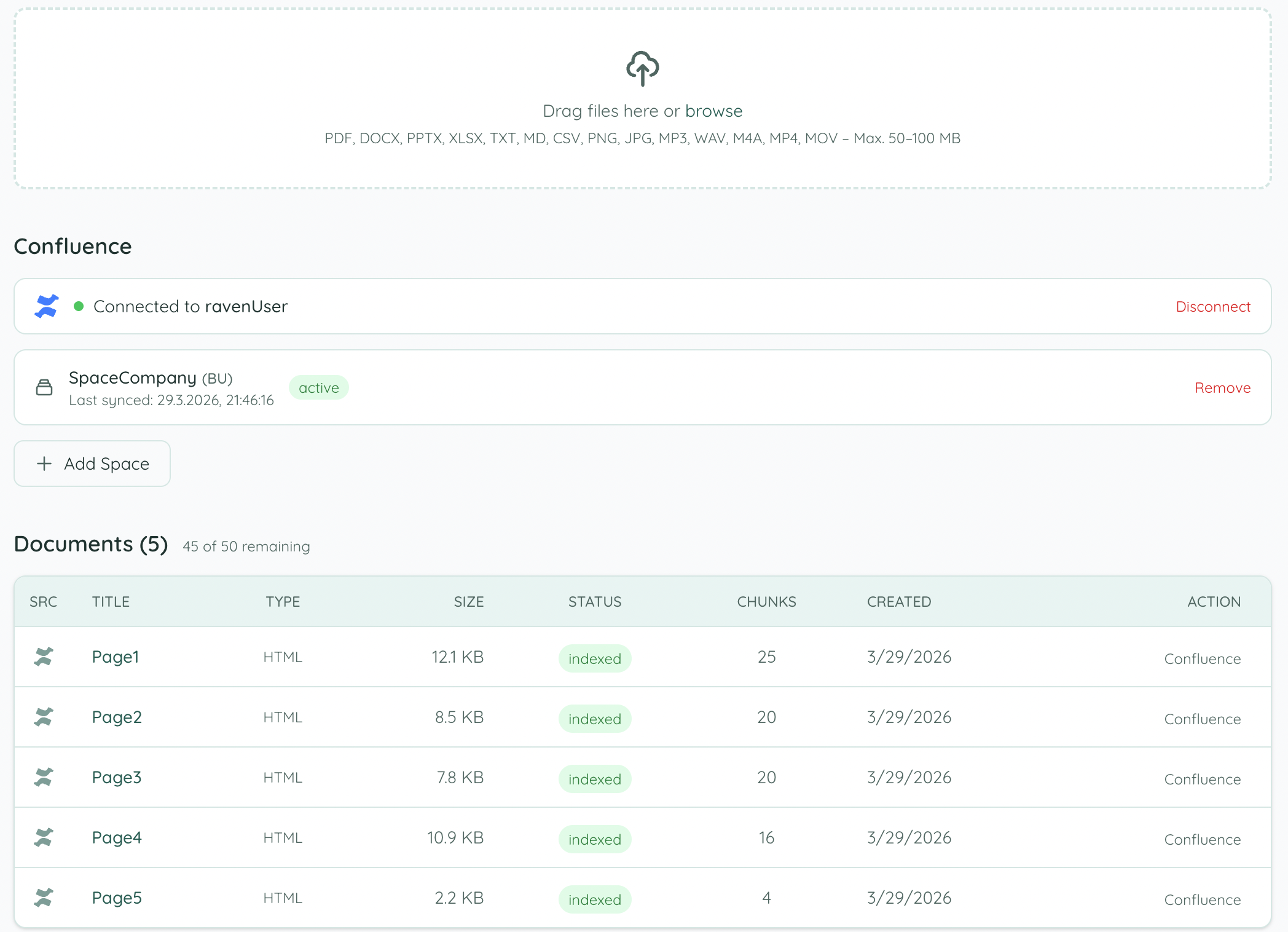
Done — content is indexed
Once syncing is complete, all pages appear in the Documents list with status indexed and are immediately searchable by your AI agent.
Token Refresh
Confluence uses rotating refresh tokens (Atlassian OAuth 3LO). Knowledge Raven automatically refreshes tokens on each sync — no action required from you.
Source Deep-Linking
When your agent cites a Confluence page, the source_link points back to the original Confluence page URL, so you can open it directly with one click.
Troubleshooting
“Authorization failed” — Ensure your Atlassian account has access to the spaces you’re trying to sync.
Pages not showing up — After connecting, trigger a manual sync from the Knowledge Base page. New pages are picked up on the next scheduled sync cycle.